


Great for cookbooks
"I bought All My Books and so did a friend of mine. We are both in love with it. We are cookbook collectors and keep many "books" in our computers using Mastercook recipe software. We point All My Books at our various files, it then goes and looks online for a match...we add info if that's called for right there on the info grabbed window...and store...and the beauty of that is: the program allows us to also store a link back to the "book" and set it to open that book when we click on the little book icon that the program has."
b adams
Create catalog and track the books you read

The only cataloging software you'll ever need. All My Books helps you archive, organize and track your book collection through an easy-to-use, flexible interface. Whether you're working with printed, audio, e-books — or a combination of all three; All My Books has exactly what you need to catalog your entire collection!
Begin Building Your Own Book Catalog
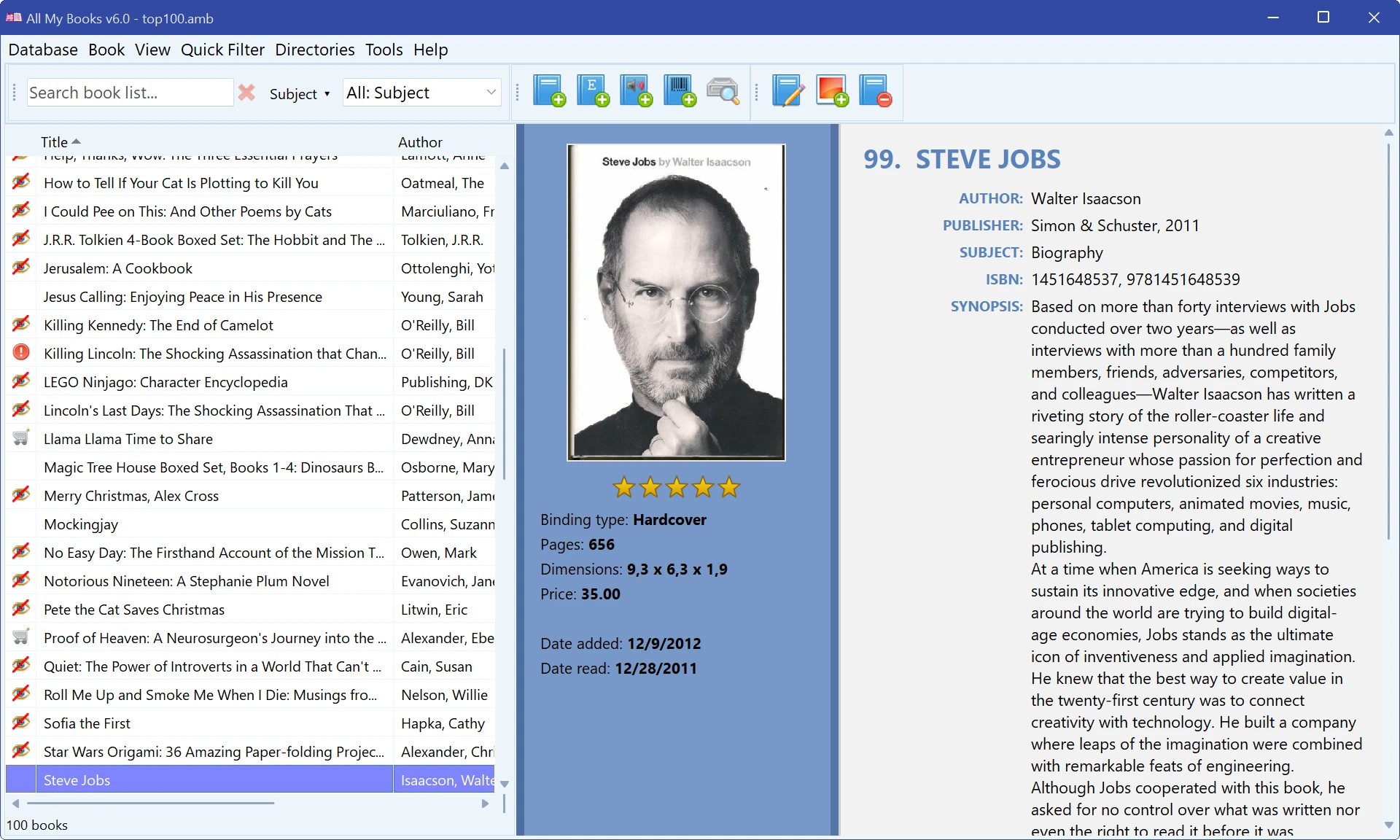
See the program windows
Six views, light and dark themes. Click a frame to open it full size.
Select the book type you want to catalog
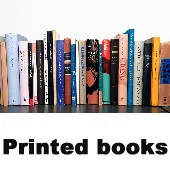
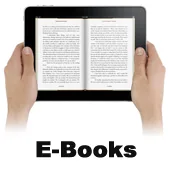
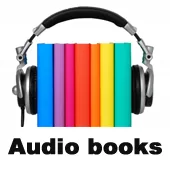
- Forgot who you lent that Harry Potter book to?
- Curious how many Stephen King books you've read?
- Want to print a list of your books, or turn it into a web page you can browse on your phone?
- Interested in organizing your collection based on genre?
Now you can with the book inventory software All My Books! If you've ever imagined how cool it would be to have access to a book cataloging software as powerful as your local library, there's no need to wonder anymore. Take your private collection to the next level through familiar functionality and dozens of fun features.
What's new in All My Books 6
Version 6 is the biggest update in the program's history: All My Books has been rebuilt from the ground up on a modern platform. The interface you know stays the same, while everything under the hood is new.
- Crisp on 4K and HiDPI screens, including several monitors with different scaling. A dark theme is included — turn it on in Preferences.
- New sources: Google Books, a full-featured ISBNdb, plus author biographies and photos from Wikipedia and OpenLibrary.
- Import from Calibre and ISBN barcode scanning with a webcam.
- Backups go to a cloud-synced folder (OneDrive, Dropbox, Google Drive) by default, and a damaged database is repaired automatically.
- Excel import and export without Microsoft Office; a new Interactive HTML export with instant search that works on phones.
- Faster everywhere: the book card opens about 8 times quicker, and a large collection is exported to Excel in 37 seconds instead of 13 minutes.
Rediscover how fun it can be to collect books!
At first glance, archiving your entire collection might seem a bit overwhelming. That's the thing though, it doesn't need to be. With All My Books, all you need to create a new book reference is title, author name, or ISBN number! Plug in any one of those three pieces of information, and AMB handles the rest by loading information gathered from online sources. Select your book from the list of results and the description, book cover... everything you'd ever want to know about that book is added to your personal AMB database.
All My Books is loaded with cool features
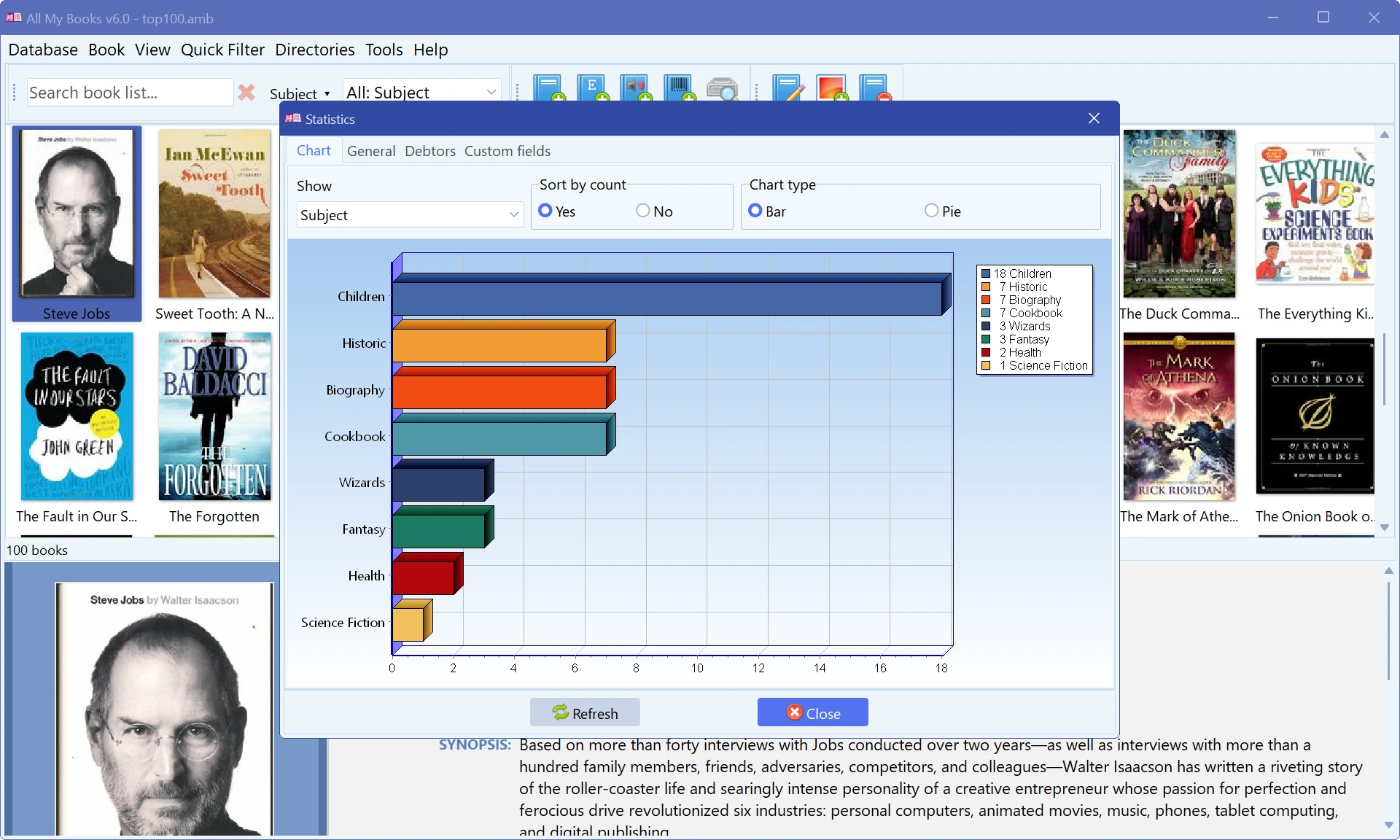
- Scans your drives and devices for e-book and audiobook files; add them one by one or in batches.
- Auto-populate information about your books; plot, synopsis, reviews, cover graphics and more.
- Fetch book details from Goodreads, Google Books, ISBNdb and OpenLibrary; author biographies and photos come from Wikipedia and OpenLibrary.
- Add your own information: thoughts, musings, illustrations, custom fields — AMB is fully customizable.
- Toggle book details on/off to alternate between robust and streamlined views.
- Browse your books as a list, as cover thumbnails, in Cover Flow or on a virtual bookshelf; more than a dozen book card templates, light and dark.
- Monitor where your books are currently across multiple locations.
- Sort and group books based on various criteria of your own choosing.
- Track which books you have already read, and which books you have yet to read.
- Create custom directories to help organize your collection.
- Generate powerful analytics and statistics related to your collection.
- Add books by ISBN: type it in, scan the barcode with a USB scanner or with a webcam (auto-focus webcam required). A Kindle ASIN works too.
- Export your library to HTML (ready-made templates, including Interactive with instant search that works on phones), PDF, Excel (.xlsx — no Microsoft Office needed), CHM and plain text.
- Open data: the database format is documented and open-source exporters are on GitHub, so your library is never locked in.
- Import your collection from Calibre, Book Collector, Readerware, Booknizer, Alfa Ebooks Manager, BookCAT and other catalogers, or from Excel (.xlsx) and CSV files.
- Print your collection or save it as PDF with 15 ready-made layouts (lists, covers, spines, cards), or print a single book card.
- Secure your collection with a password; automatic backups keep your data safe.
- Keep e-books in the same catalog: AMB links the files to book records, fills in details from the file itself and opens a book with one click. PDF, EPUB, MOBI, AZW3, FB2, FB3, DOC/DOCX, DjVu and other popular e-book formats are supported.
- Catalog audiobooks too: MP3, M4B, M4A, AAC, OGG, OPUS, FLAC, WMA and Audible (AA, AAX). AMB reads the file tags and opens the book in your audio player with one click. Learn more about Audiobook Collections.
- Copy book files to e-readers and phones over USB, or send your book list to the All My Books app for Android.
- The interface is available in 20 languages, including English, German, Spanish, French and Russian.
Now, if a friend asks you how to catalog books, you know the answer!
Try it before you buy it
Download All My Books and use it with no limitations for 30 days: add books, create databases, export to HTML — the same as a licensed copy. After 30 days the program stays free, with a limit of 100 books in the database. If your collection grows beyond that, buy a license and keep working with the same files. All My Books runs on Windows 7, 8, 10 and 11.
Special Offers
- If you're already using one of our competitors' book collection programs, we'll give you a 25% discount off the total price when you choose to switch to All My Books!
- Are you a blogger? Post an All My Books review to your blog, and we'll provide you with a license for free.
User rating
4.9 out of 5 Based on 412 reviews
Write a review
All My Books v6.2 Build 1306
September 21, 2026
September 21, 2026
More AMB options
See what others are saying about All My Books
Read more about AMB
- Import Your Calibre Library into All My Books
- ISBN Search Software to Make Your Life Easier
- Ebook Catalog Software for Windows
- Reading log: keep track of the books you read
- How to organize e-books?
- Book Collection Software
- Book Organizer Software
- Benefits of Book Management Software
- Your Home Library Organizer
- Ebook Manager Software for Windows
- Home Library Software
- Book List Software: Organize Your Reading List
- Personal Book Catalog Software